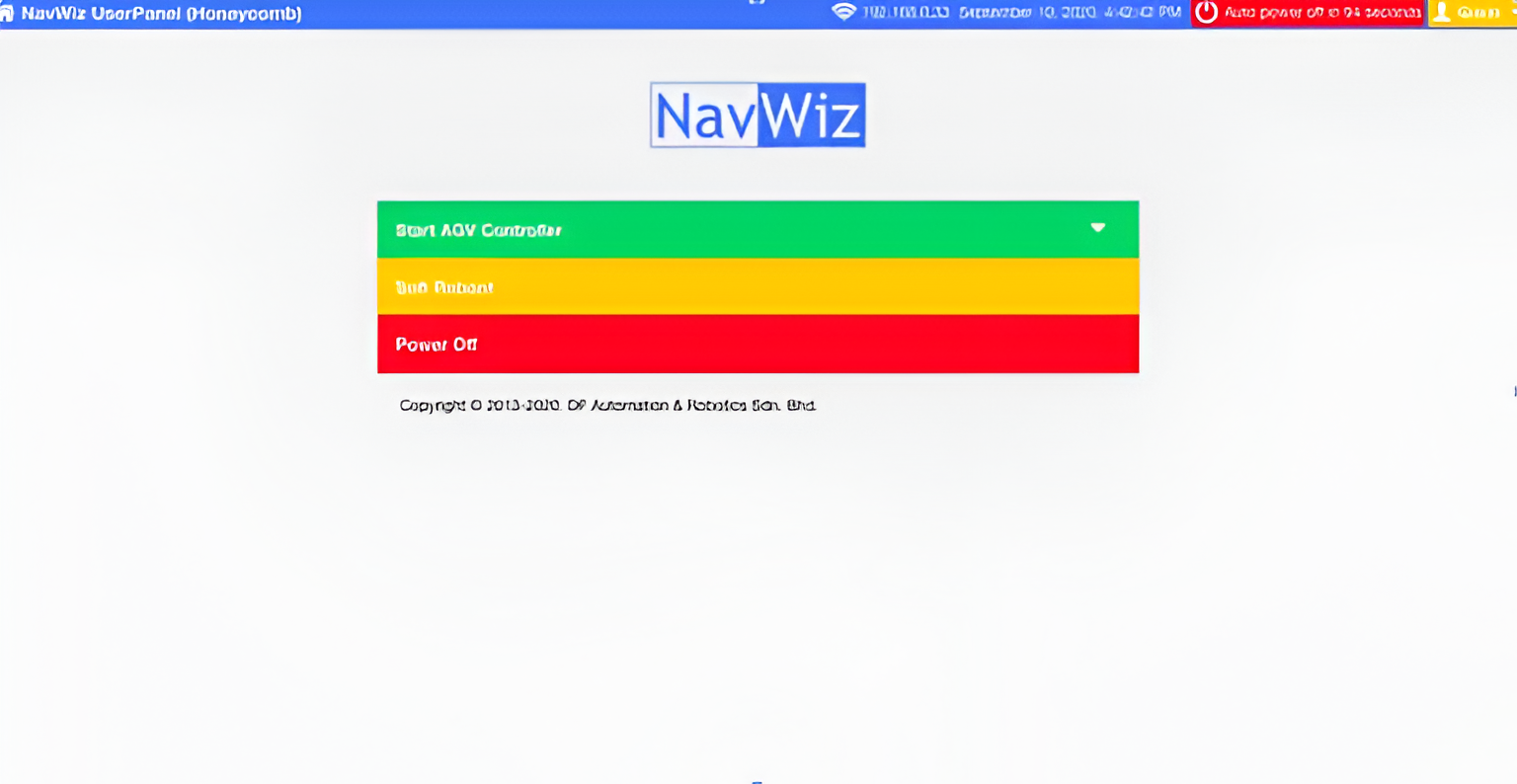
NavWiz (Navigation Wizard) is SK Robotics’ software platform for Autonomous Mobile Robots (AMRs) and Automated Guided Vehicles (AGVs). NavWiz delivers all the capabilities required in a modern autonomous system, including robot programming, real-time status monitoring, smart navigation, and AI- and IoT-enabled functionality. It serves as the core intelligence powering every SK Robotics AMR and AGV solution.
NavWiz continues to evolve with ongoing feature enhancements and technology upgrades to remain aligned with the rapid advancements in automation and Industry 4.0
NavWiz is hosted directly on SK Robotics systems and provides a browser-based user interface.
NavWiz consists of three primary components:

Mapping is the process of configuring the site layout so NavWiz can understand the navigation environment. During setup, the AMR is guided through the facility to capture surrounding features and generate a digital map.
Once created, this map becomes the reference for AMR localization. Mapping is typically a one-time process and only needs to be repeated if there are significant layout changes.
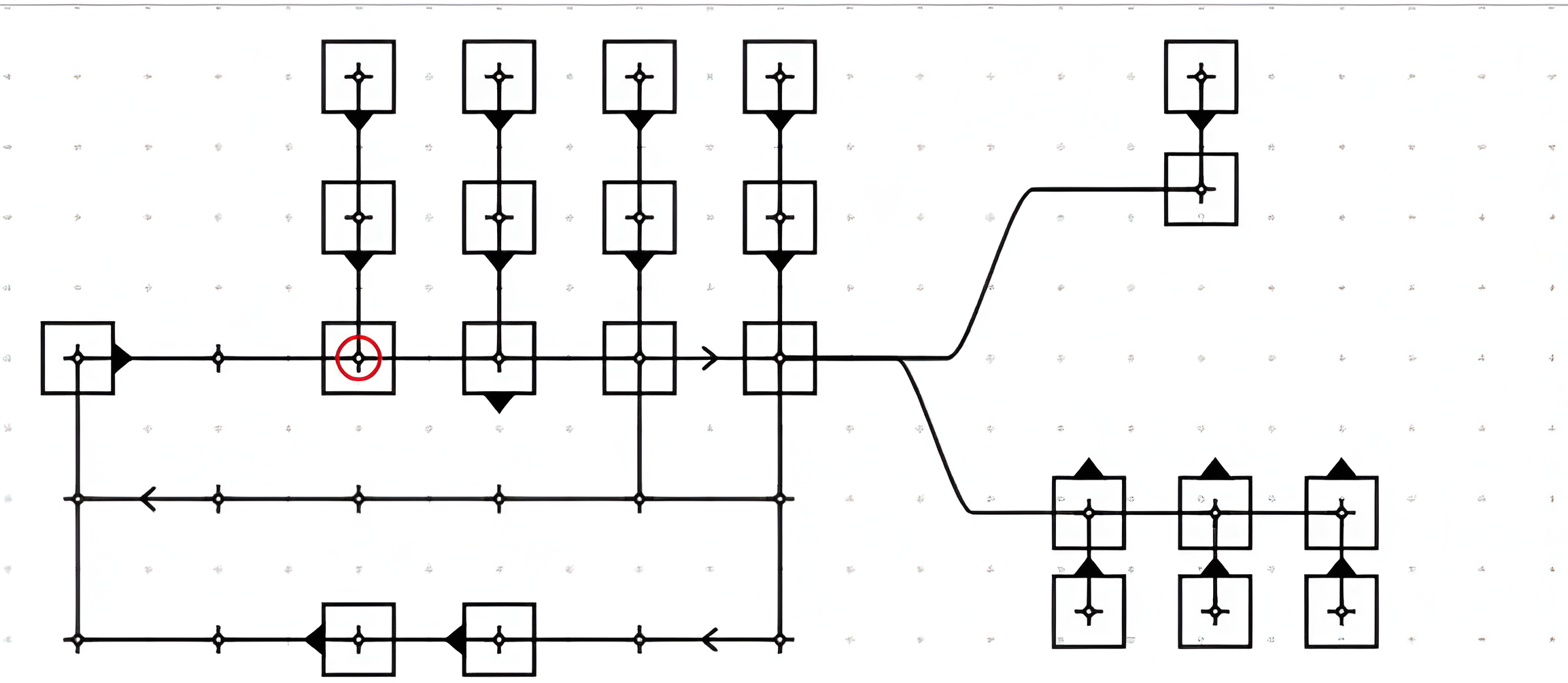
Routing defines the AMR or AGV travel paths within the facility. Users simply draw the desired paths directly within NavWiz.
Routing supports two robot types:
For trackless AMRs, routing is layered on top of the generated map. Users can define stations along the path, allowing the AMR to identify its starting point, destination, and real-time position by comparing environmental features to the stored map.
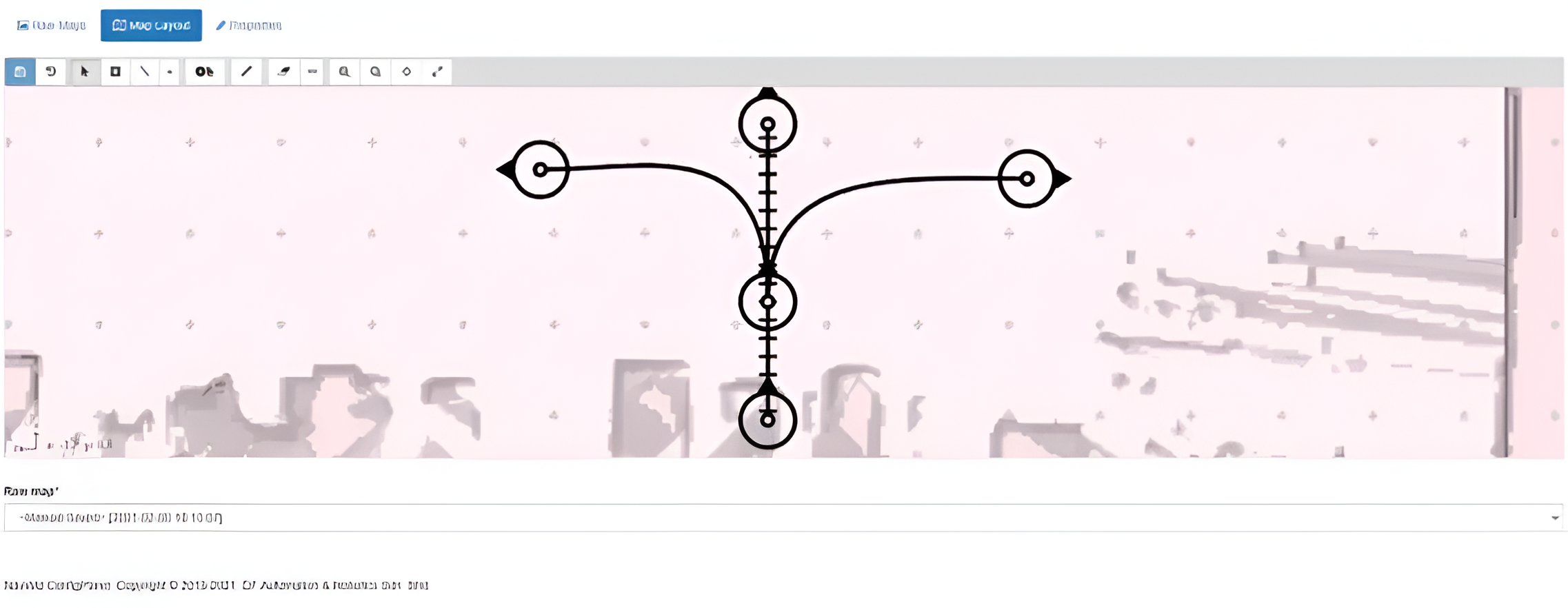
Task Programming allows users to define robot actions through an intuitive graphical flowchart interface.
Users can create tasks by clicking and dragging to connect task blocks. This visual programming method enables the robot to execute actions in sequence and make simple decisions based on predefined conditions.
For example, a complete AMR application, such as transporting raw material trolleys from a warehouse to assembly lines, may consist of multiple tasks:
Each action represents an individual task. When linked together, these tasks form a Task Template, which represents a complete AMR workflow
NavWiz includes nearly 100 standard library blocks to accelerate development. Common actions such as:
Can be easily imported into a task template. This flowchart-based programming approach eliminates the need for low-level coding, making SK Robotics systems easier to configure, flexible to modify, and scalable for future expansion.
Once mapping and task templates are completed, users can manage operations through the Task Runner interface.
Each AMR executes one task template at a time. Additional triggered tasks are automatically queued. Supervisors can:
After completion, tasks are logged within the system for traceability. Users can access daily, weekly, or monthly records through the History and Report pages.
NavWiz also provides graphical reporting dashboards, with the ability to export performance data in CSV format for analysis and documentation.
Beyond its three core elements, NavWiz offers additional tools to support system operation and maintenance. Engineers can perform:
Users can monitor real-time robot data through:
NavWiz is used across all SK Robotics AMR and AGV models, regardless of size, payload, or configuration. From compact mobile units to heavy-duty industrial platforms, the programming interface remains consistent.
The software continues to evolve to meet customer needs. With integrated IoT infrastructure and modular components, NavWiz significantly shortens development cycles and accelerates deployment.
As part of the ongoing advancement, future updates will focus on further strengthening NavWiz as the intelligence behind all SK Robotics automation solution!
OUR EXPERT TEAMS WILL REACH
OUT TO YOU IN NO TIME